Built for the Way Canadian Retail Actually Works

BLAZE CFD is designed around the realities of running a licensed cannabis retailer in Canada: combined tax display, strict promotional rules, and customers who expect transparency before they trust a new store.

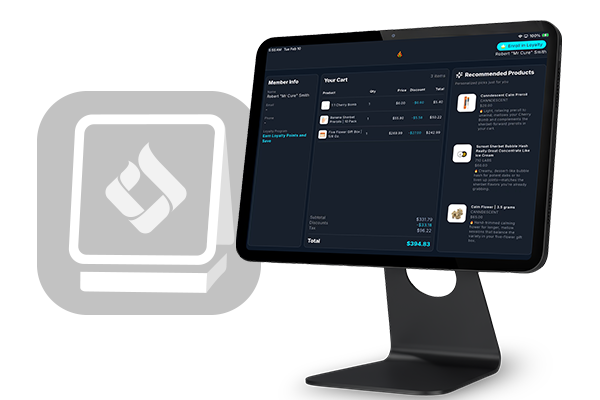
  • Eliminate Checkout Confusion – Customers see their order, taxes, and any applied discounts as the sale happens. Less time explaining the math, less friction, faster lines.
  • Idle-State Merchandising – When the register’s quiet, your screen keeps working — rotating high-res banners for new drops, licensed producer features, or store updates, all on your terms.
  • Loyalty Enrollment That Actually Converts – New visitors can self-enroll in loyalty right on the screen — no personal info shared out loud at the counter, and no manual data entry errors from staff typing it in.
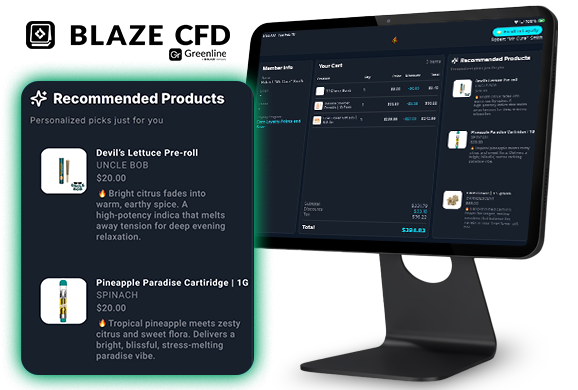
  • Smarter Upselling, Explained – AI-driven recommendations suggest the right add-on — a grinder for that flower, a battery for that cart — and explain why. Context builds trust, not a hard sell.

Choose Your Setup

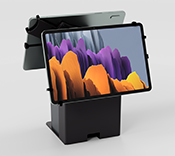
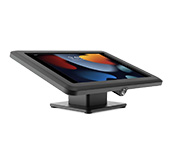
<b>BoxaPOS Dual</b> </br>(iOS POS)
BoxaPOS Dual
(iOS POS)

SHOP NOW

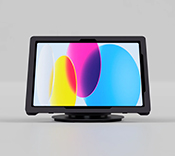
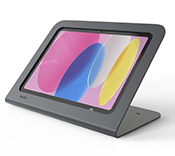
<b>BoxaPOS Single</b> </br>(Desktop POS)
BoxaPOS Single
(Desktop POS)

SHOP NOW

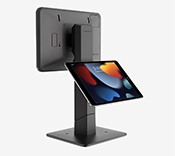
<b>Bosstab Gemini</b></br>(iOS POS)
Bosstab Gemini
(iOS POS)

SHOP NOW

<b>Bosstab Nexus</b>  </br>(Desktop POS)
Bosstab Nexus
(Desktop POS)

SHOP NOW

<b>Heckler</b> </br>(Desktop POS)
Heckler
(Desktop POS)

SHOP NOW

What Makes BLAZE CFD Different

Real-Time Product Recommendations Uses live cart data to surface the right complementary product at the right moment — not generic upsells.

“Bring Your Own Hardware” Friendly No forced hardware upgrades. If you’ve already got compatible iPads on your counter, you’re most of the way there.

A Counter That Keeps Working While most screens go dark between sales, BLAZE CFD keeps rotating customizable content for your top products and brand partners.

Set Up in Minutes, Not a Service Ticket Download the app, pair it to your BLAZE POS, and you’re live — no wiring, no IT call, no downtime.
What Makes BLAZE CFD Different

Get Started in Minutes

1. Download Search "BLAZE CFD" in the App Store.
2. Pair Open the app and sync with your Greenline POS in seconds — same network, no cables.
3. Sell Give every customer real-time transparency and watch your average order value grow.

Download on the App Store